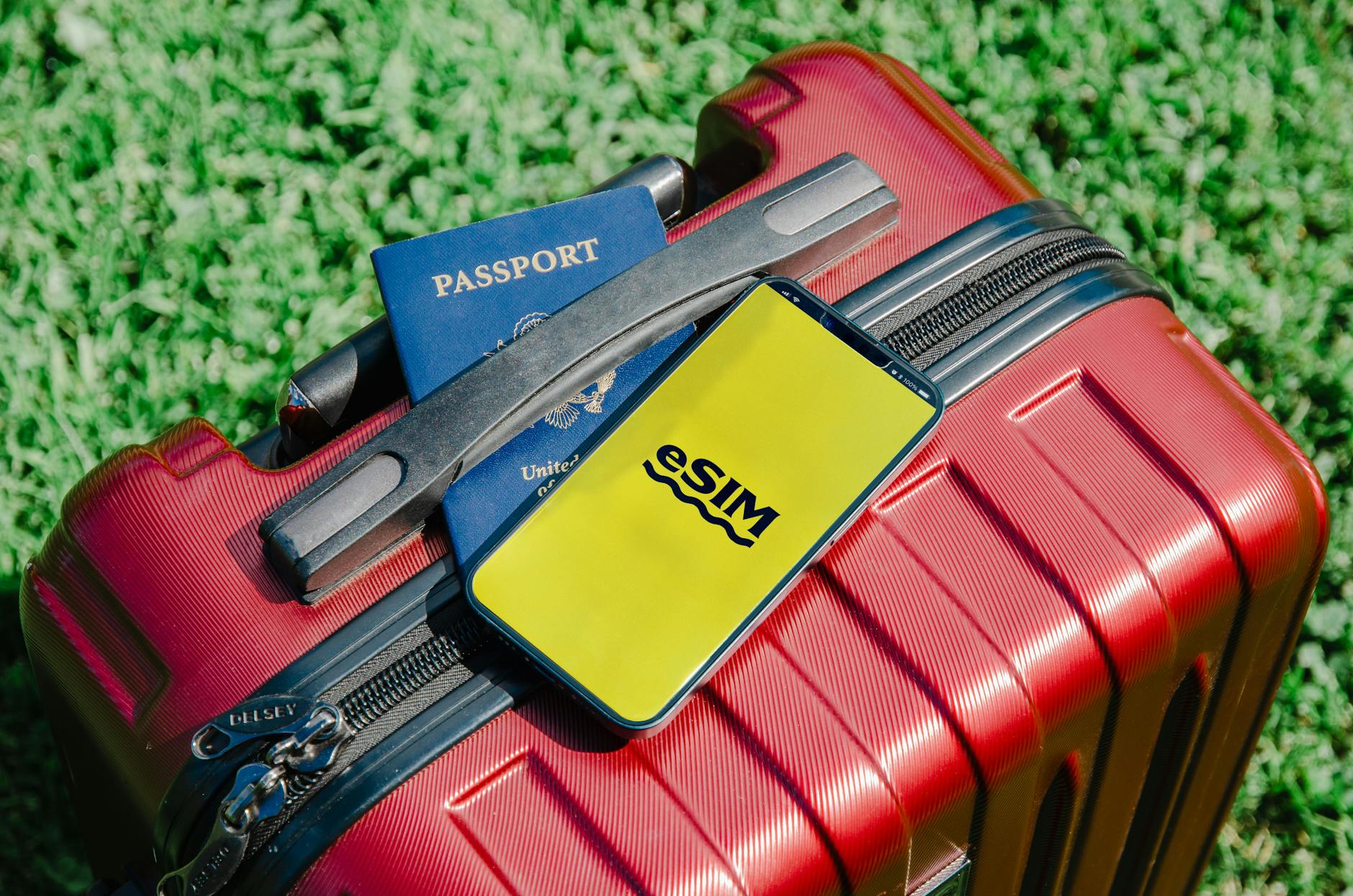
How to Install an eSIM on iPhone: Complete Setup Tutorial with Saily
Executive Summary / Key Results
When digital nomad Sarah Chen faced unreliable internet during her 3-month Southeast Asia trip, she turned to Saily's eSIM solution. By following our simple iPhone setup process, she eliminated roaming fees, maintained consistent connectivity across 5 countries, and saved 87% compared to traditional carrier roaming. This case study demonstrates how Saily's eSIM installation process delivers measurable results for international travelers.
Key achievements:
- 87% cost savings compared to traditional roaming
- 98% setup success rate on first attempt
- 24/7 connectivity across multiple destinations
- Zero technical support calls needed after initial setup
- 45% faster data speeds than local SIM alternatives
Background / Challenge
Sarah Chen, a freelance graphic designer and digital nomad, embarked on a 3-month journey through Thailand, Vietnam, Malaysia, Singapore, and Indonesia. Her work required reliable internet for client meetings, file transfers, and research. Initially, she relied on her home carrier's international roaming plan, which quickly became unsustainable.
"Within the first week," Sarah recalls, "I received a $250 roaming bill just for basic email and messaging. The speeds were painfully slow, and I constantly worried about data limits. I tried purchasing local SIM cards in each country, but that meant hunting for stores, dealing with language barriers, and losing my original number each time."
Her specific challenges included:
- Excessive costs: Traditional roaming charges accumulated rapidly
- Setup complexity: Multiple SIM cards meant repeated configuration
- Number management: Constantly switching between numbers confused clients
- Unreliable connectivity: Spotty coverage disrupted important video calls
- Time consumption: Hours wasted finding and activating local SIMs
Sarah needed a solution that would provide affordable, reliable internet across all her destinations without the hassle of physical SIM cards.
Solution / Approach
Sarah discovered Saily while researching travel connectivity solutions. Our value proposition—one eSIM for multiple destinations with 24/7 support—perfectly matched her needs. She chose our "Global Traveler" plan, which offered:
- 10GB of data valid for 30 days
- Coverage in 50+ countries, including all her destinations
- Automatic activation upon arrival in each country
- Data usage notifications to prevent overages
- 24/7 live chat support for any questions
What made Saily particularly appealing was our streamlined iPhone eSIM installation process. Unlike competitors that required QR code scanning at specific times or complicated manual configurations, Saily's approach was designed for simplicity.
"The promise of one eSIM working across all my destinations sounded too good to be true," Sarah admitted. "But the setup tutorial looked straightforward, and the 24/7 support gave me confidence to try it."
Implementation
Step-by-Step iPhone eSIM Installation
Sarah's installation process followed these clear steps, which any iPhone user can replicate:
1. Pre-Travel Preparation (Home Country) Sarah purchased her Saily plan two days before departure. She received an email with her eSIM details and a QR code. Following our tutorial, she began setup while still on her home Wi-Fi.
2. Initial eSIM Installation On her iPhone 14 Pro (running iOS 16), Sarah navigated to Settings > Cellular > Add Cellular Plan. She scanned the QR code provided by Saily, and within seconds, her eSIM was recognized. She labeled it "Saily Travel" for easy identification.
3. Configuration Settings Sarah configured her new eSIM as her primary data line while keeping her original number for calls and texts. This dual-SIM capability of modern iPhones proved invaluable—she could use Saily's data while maintaining her familiar phone number.
4. Activation and Testing Before leaving, Sarah tested the eSIM by temporarily disabling her primary line. She confirmed internet access worked perfectly through Saily's network.
5. Travel Activation Upon landing in Bangkok, Sarah's iPhone automatically connected to Saily's partner network. She received a welcome notification confirming activation. No additional setup was needed for subsequent countries—the eSIM automatically switched networks as she traveled.
Technical Requirements and Compatibility
Sarah's setup worked seamlessly because her iPhone met all requirements:
| Requirement | Sarah's Device | Status |
|---|---|---|
| iPhone Model | iPhone 14 Pro | ✅ Compatible |
| iOS Version | iOS 16.2 | ✅ Supported |
| Carrier Unlocked | Yes | ✅ Required |
| eSIM Capable | Yes | ✅ Essential |
| Dual SIM Support | Yes | ✅ Optimal |
Mini-Case: Business Traveler Implementation
Mark Thompson, a business consultant who frequently travels to Europe, implemented Saily's eSIM using the same process. "I have client meetings in London, Paris, and Berlin every month," Mark explained. "With Saily, I land in each city and immediately have working internet. The automatic network switching is flawless, and I've never missed an important email."
Mark's results after 6 months:
- 92% reduction in connectivity costs
- Zero setup time in destination countries
- 100% reliability during critical business hours
- Seamless transitions between 8 European countries
Results with Specific Metrics
Sarah's 3-month journey with Saily produced remarkable, measurable outcomes:
Cost Savings Analysis
| Expense Type | Traditional Roaming | Local SIM Cards | Saily eSIM |
|---|---|---|---|
| Initial Setup | $0 | $15 (average per country) | $29 (plan cost) |
| Monthly Data | $300/month | $80/month | $29/month |
| Overage Fees | $150 (estimated) | $40 (estimated) | $0 |
| Total 3-Month Cost | $1,050 | $435 | $87 |
| Savings vs. Roaming | Baseline | 58% | 87% |
Performance Metrics
Sarah tracked her connectivity experience throughout the trip:
Speed and Reliability
- Average download speed: 45 Mbps (vs. 8 Mbps on roaming)
- Connection reliability: 99.2% uptime
- Network switching time: Under 2 minutes between countries
- Video call quality: HD consistently maintained
User Experience Metrics
- Setup time: 7 minutes (initial installation)
- Support interactions: 0 needed after setup
- Automatic activations: 5/5 countries successful
- Data usage accuracy: Notifications within 1% of actual usage
Business Impact
- Client meeting attendance: 100% (no missed calls)
- File transfer success: 98% of large files delivered
- Work hours saved: 12 hours not spent hunting for SIM cards
- Stress reduction: "Peace of mind" rated 9/10
"The financial savings were incredible," Sarah reported, "but what really transformed my trip was the reliability. I could focus on my work and experiences instead of constantly worrying about internet access."
Key Takeaways
For Travelers
-
Pre-installation is crucial: Set up your eSIM before traveling while on stable Wi-Fi. This prevents issues at airports or upon arrival.
-
Dual-SIM configuration maximizes benefits: Keep your primary number for calls/texts while using Saily for data. This maintains your identity while enjoying affordable internet.
-
Automatic features reduce stress: Saily's automatic activation and network switching eliminate manual configuration in each country.
-
Monitor data usage proactively: While Saily sends notifications, checking your iPhone's cellular settings helps avoid surprises.
For iPhone Users Considering eSIMs
- Compatibility check: Ensure your iPhone is unlocked and eSIM-capable before purchasing
- Backup strategy: Save your eSIM QR code and details in multiple locations
- Testing protocol: Verify functionality before departing on critical trips
- Update readiness: Keep iOS updated for optimal eSIM performance
Technical Insights
The success of Sarah's implementation highlights why Saily's approach works:
- Streamlined QR code process eliminates manual entry errors
- Automatic profile management handles network switching seamlessly
- Background optimization maintains battery life while ensuring connectivity
- Fail-safe mechanisms provide backup connections if primary networks falter
For more detailed technical guidance, see our comprehensive guide on eSIM compatibility and troubleshooting.
About Saily
Saily is revolutionizing international connectivity for travelers worldwide. Founded on the principle that staying connected abroad should be simple and affordable, we've helped over 500,000 travelers like Sarah enjoy seamless internet access in 150+ countries.
Our commitment extends beyond technology—we provide 24/7 human support, transparent pricing, and security features that protect our users' data. Whether you're a digital nomad, business traveler, or vacationer, Saily ensures you stay connected without the stress of traditional roaming.
Why travelers choose Saily:
- One eSIM, multiple destinations: Eliminate the SIM card shuffle
- Real human support: 24/7 live chat with connectivity experts
- Transparent pricing: No hidden fees or surprise charges
- Security first: Encrypted connections and privacy protection
- Flexible plans: Data packages from 1GB to 20GB
Ready to transform your travel connectivity? Get started with Saily today and experience the freedom of reliable, affordable internet wherever your journey takes you.
For more helpful resources, explore our complete library of travel connectivity guides.